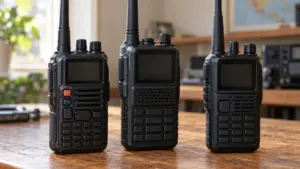
How to Choose a Handheld Ham Radio for Your Needs
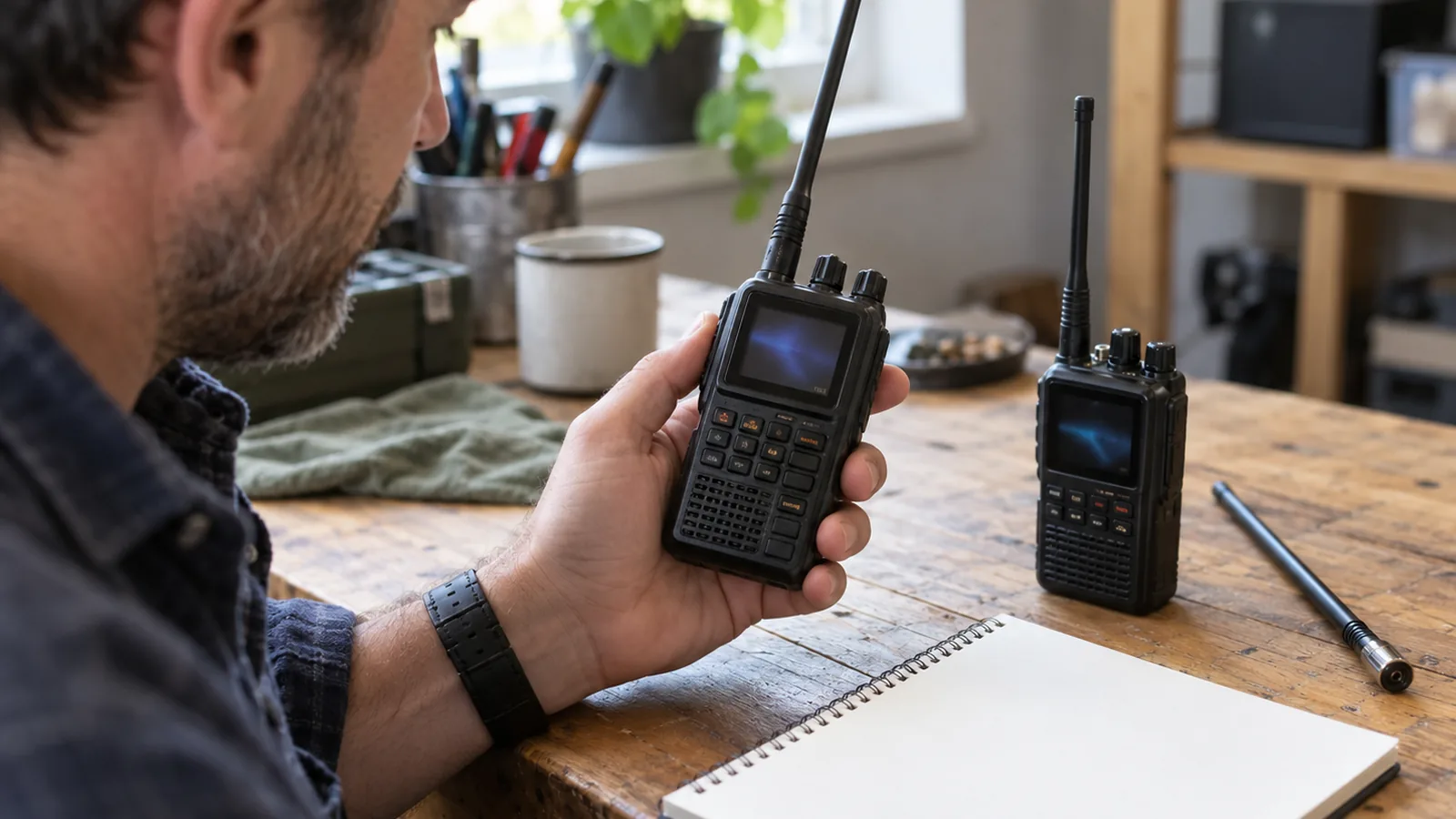
To decide how to choose a handheld ham radio, start with the 2-meter/70-centimeter combination for local FM voice and repeaters, then match its transmit bands to your license and nearby repeater settings. If you need a specific digital system or expect limited repeater access, choose for that need rather than relying on a “dual band” label alone.
Quick answer
How do you choose a handheld ham radio?
Match the radio’s transmit bands to your license and verified local repeater settings, then check that it supports the needed operating mode, offset, tone, and memory programming. For local FM voice and repeaters, 2-meter/70-centimeter is a common starting choice; choose another band combination or a specific digital system only when it matches your local activity.
- Confirm transmit privileges: Compare the radio’s transmit-frequency coverage with the frequencies your license authorizes; receive coverage alone doesn’t grant permission to transmit.
- Verify repeaters: Look up nearby repeaters and confirm they’re active and reachable; check each output and transmit frequency.
- Check programming: Confirm the radio can set and store the repeater’s offset or split, access tone, and frequencies in memory.
- Compare practical features: Check battery capacity in mAh, removability and charging options, antenna connector compatibility, programming method, and stated durability.
- Account for coverage: Consider terrain, buildings, antenna height, and signal path; higher transmit power alone doesn’t guarantee greater distance.
Choose a handheld ham radio step by step
Define where and why you’ll use the radio. Write down your usual locations and tasks, such as local FM voice or repeater access. VHF/UHF handheld coverage depends heavily on line of sight, terrain, and antenna height, so consider hills, buildings, and other obstructions along your likely paths.
Confirm your license privileges before comparing transmit features. In the United States, a Technician license grants amateur-radio privileges above 30 MHz, subject to applicable FCC band rules. Check each radio’s transmit-frequency coverage against the frequencies your license authorizes; receive coverage alone does not give you permission to transmit.
Check bands and repeaters where you’ll operate. Search a current repeater directory for the places you expect to use the radio, then verify listings with local amateurs because a listing doesn’t prove a repeater is active or reachable from your location. Compare both the repeater’s output and required transmit frequency with the radio’s coverage. The 2-meter/70-centimeter combination is a common starting point for local FM voice and repeaters, while other band combinations make sense only if they match your local activity.
Match radio capabilities to those verified needs. Compare transmit coverage separately from receive coverage, and check the specific modes and digital systems you need. For repeaters, confirm support for the listed offset or split, CTCSS/PL or DCS/DTCS tone, and a memory channel that can store the needed frequencies and tone.
Check power, antenna, controls, and durability. Compare battery capacity in mAh, whether it’s removable, charging options, and stated operating time under its test conditions. Check the antenna connector for compatibility with your intended bands; an adapter may be needed, and a longer antenna can stress the connector. Compare stated IP ratings and their test conditions rather than relying on a vague “rugged” label.
Verify programming and test before relying on the setup. Make sure you can enter or load the listed frequencies, offset, and tone, then store and recall them from memory. Confirm any model-specific settings and accessory compatibility, program a verified local repeater, and check that the radio operates as expected before depending on it in the field.
Match bands and features to your use
Match the radio’s transmit bands, repeater functions, antenna options, battery, and programming to the places and activities you expect to use it.
For local repeater use, compare a radio’s transmit-band coverage with the repeaters you can access. Check each repeater’s output and transmit frequencies, required offset or split, and access tone, such as CTCSS/PL or DCS/DTCS. The radio should let you store the receive frequency, transmit frequency or offset, and tone in a memory channel.
A “dual band” label alone doesn’t confirm compatibility with a particular repeater.
Choose bands based on local activity, not the number of bands listed on the box. Handheld combinations can include 6-meter/2-meter/70-centimeter or 1.25-meter/2-meter/70-centimeter coverage, but check for repeaters using the less common bands before paying for them. Dual-band operation, scanning, and digital systems matter only if they support the repeaters or activities you plan to use; identify supported modes and systems by name.
More power doesn’t guarantee more distance. VHF/UHF handheld coverage depends on terrain, obstructions, antenna performance, and the signal path. Hills and buildings can block the path, while a repeater at a high site can extend practical coverage.
Check the antenna connector and confirm it works with antennas for your chosen bands. A longer antenna may put mechanical stress on the connector, so consider that trade-off before switching from the supplied antenna. For battery choice, compare capacity in mAh, whether the battery is removable, charging options, and the manufacturer’s operating-time test conditions.
Pick durability and programming features for the places and tasks you have in mind. If you’ll use the radio outdoors or need to change repeaters often, compare the radio’s stated durability and how it handles frequency and tone entry or loading. Verify those details against the repeaters you expect to use; the right feature set is the one you can use for your local activity.
Check licensing and local repeater access
In the United States, a Technician-class license grants amateur-radio privileges above 30 MHz, subject to FCC band rules. Confirm your license class and the frequencies it authorizes, then compare those privileges with the radio’s transmit-band specifications.
Look up repeaters near the places you expect to operate using a current repeater directory, then verify the listing with local amateurs. A directory entry alone doesn’t prove that a repeater is active or reachable from where you’ll use the radio. For each repeater, check that the radio covers its output frequency and the required transmit frequency.
Before choosing a radio, confirm that it can set and store the repeater’s transmit offset or split and any required access tone, such as CTCSS/PL or DCS/DTCS. The repeater listing determines the settings. A 2-meter repeater may use a 600 kHz offset, but the listing for that specific repeater takes precedence.
Ask local operators to confirm the repeater’s current settings and whether it’s usable from your planned locations. Then compare the radio’s transmit coverage and programming options with those verified details. The radio’s features determine what it can do; your license determines what you’re allowed to transmit.
Compare handheld radio features at a glance
Compare the radio’s bands and operating features with your license, nearby repeaters, and planned use before choosing a model. Local repeater settings can determine whether a radio’s features will be useful where you operate.
| Item | What to check | Why it matters |
|---|---|---|
| Intended use | Where you’ll operate and whether you’ll use repeaters | Terrain, buildings, and antenna height affect VHF/UHF coverage |
| Bands | Transmit-frequency coverage and bands used by nearby repeaters | Receive coverage doesn’t grant permission to transmit; match transmit coverage to your license |
| Repeater support | Offset or split, access tones, and memory channels | These features let you enter and store the settings listed for local repeaters |
| Battery | Capacity in mAh, removability, charging options, and stated operating time and test conditions | You can compare battery endurance on a consistent basis |
| Antenna | Connector compatibility with antennas for your intended bands | An adapter may be needed, and a longer antenna can stress the connector |
| Programming | Front-panel entry or computer software and cable | Confirm you can set and store the frequencies and tones you need |
| Durability | IP rating and its test conditions | Defined protection claims are more useful than vague “rugged” descriptions |
Treat power as only one factor in coverage. A high-power setting can’t guarantee a particular distance, because terrain, obstructions, antenna performance, and the signal path also matter.
For repeater use, prioritize the settings and memory features that match repeaters you can verify near your usual locations.
Frequently Asked Questions
How far can a handheld ham radio reach in typical conditions?
A handheld may reach only a few miles over flat terrain, while a repeater on a high site can extend coverage substantially. Line of sight matters most: hills, buildings, antenna height, antenna performance, and signal path all affect the result, so higher transmit power alone can’t promise a specific distance.
Can I listen to ham radio without a license?
To get on the air, you need to be licensed and know the rules to operate legally.
Can a ham radio communicate with GMRS or FRS walkie-talkies?
A handheld ham radio can communicate with GMRS or FRS radios only if its transmit coverage and settings match the relevant frequencies, and you’re authorized to transmit there.
What accessories should I buy for a handheld ham radio?
Start with a spare or removable battery and charging option suited to your use, then consider an antenna compatible with the radio’s connector and bands. Choose other accessories based on your actual operating needs.
Can I use a handheld ham radio during an emergency?
Yes, you can use a handheld during an emergency if you’re licensed to transmit on the frequency you use and follow applicable band rules. Verify local repeater settings ahead of time by confirming the frequency, offset or split, and access tone, then storing them in a memory channel.
Conclusion
If your main use is local FM and repeaters, choose a radio whose transmit bands, offset and tone settings, and memory channels match a repeater you’ve confirmed you can reach. If you’ll use it outdoors or change repeaters often, give extra weight to battery options, durability, and programming you can manage easily.
Before buying, write down the repeaters and settings confirmed by local operators, then compare them with the radio’s transmit coverage and features. Check that your license permits the transmissions you plan to make, and program and verify the setup before relying on it in the field.
Sources
- arrl.org (arrl.org)
- docs.fcc.gov (docs.fcc.gov)
- icomamerica.com (icomamerica.com)
- arrl.org (arrl.org)
- arrl.org (arrl.org)
- Getting Your Technician License (arrl.org)
- arrl.org (arrl.org)
- icomamerica.com (icomamerica.com)
- icomamerica.com (icomamerica.com)
- arrl.org (arrl.org)
- arrl.org (arrl.org)
- arrl.org (arrl.org)
- icomamerica.com (icomamerica.com)