How to Choose a CB Radio for Your Needs
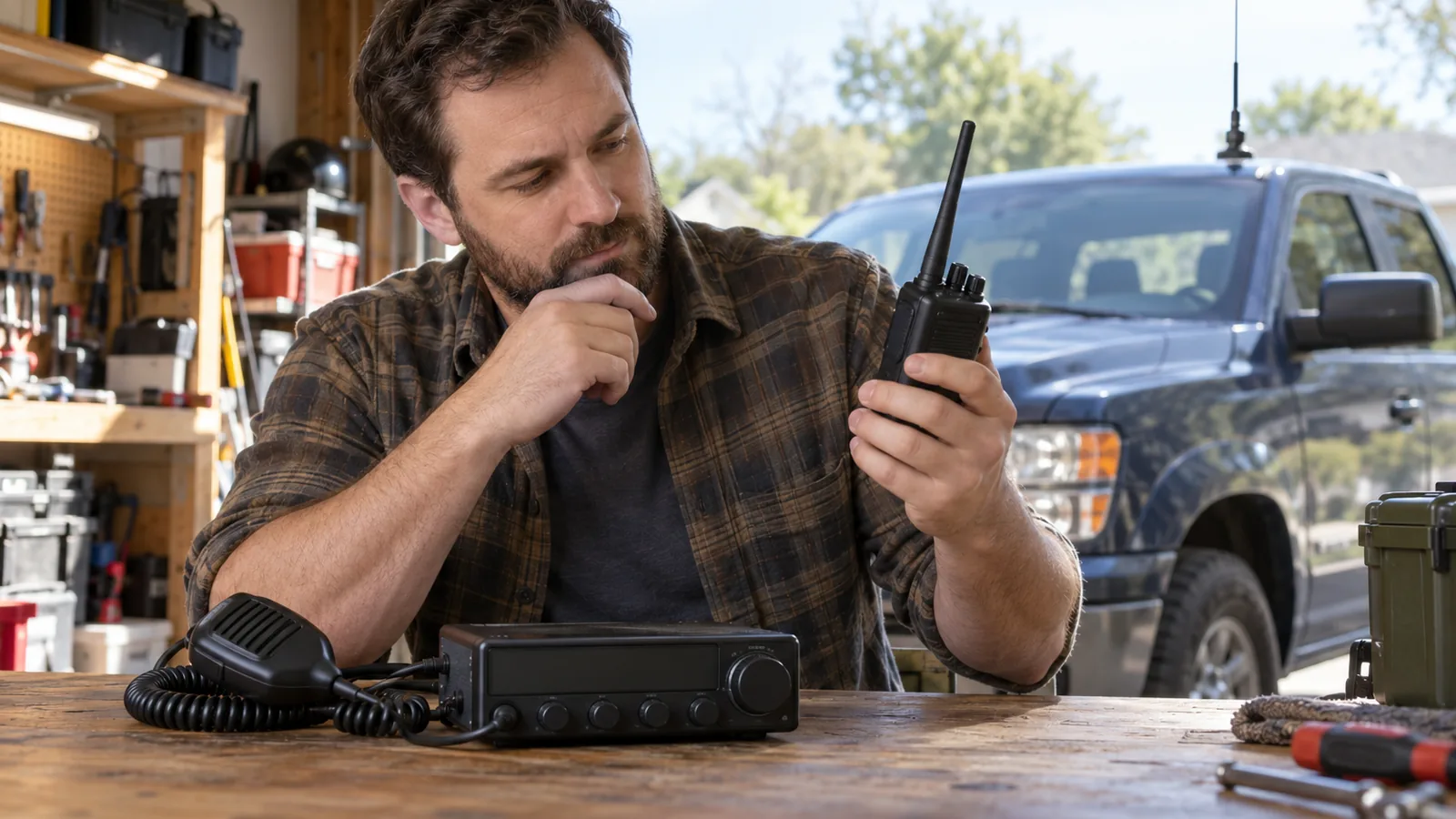
Choose a CB radio by matching its form and features to where you’ll use it, then plan the antenna and installation; U.S. CB has 40 channels. Choose a mobile radio for vehicle use, a handheld for walk-around use, or a base setup for a fixed location. Don’t expect a radio alone to determine range: antenna placement, terrain, and obstructions affect performance.
Quick answer
How do you choose a CB radio?
Match the radio to where you’ll use it, then confirm its power, antenna, mounting, and connections fit your setup. U.S. CB uses 40 channels. Choose a mobile radio for vehicle use, a handheld for portable use, or a base setup for a fixed station; the condition that changes your choice is whether you need to carry it or install it in one place.
- Choose the type: Pick mobile for a vehicle, handheld for walk-around use, or base for a fixed station.
- Check the installation: Confirm mounting space, power source, microphone access, and antenna location before selecting a radio.
- Match the antenna: Use an antenna designed for the U.S. CB band, with a compatible connector; mobile radios usually need a separately mounted antenna, and base setups need an outdoor antenna and feed line.
- Compare useful features and connections: Check channel access, noise controls, alerts, display lighting, and external-speaker or PA connections against your needs.
- Verify and tune the system: Confirm the power and coax connections fit, then check antenna tuning and SWR after installation.
How to choose a CB radio step by step
List where you’ll use the radio and where it can go. Note whether you’ll use it in a vehicle, carry it while walking, or install it at a fixed location. Check the available mounting space, power source, microphone access, and antenna location before comparing models.
Choose mobile, handheld, or base use. A mobile radio fits a vehicle setup with a separate antenna; a handheld works for portable use and can run on a battery or external power; a base setup needs a suitable power source and outdoor antenna with feed line.
Compare features against how you’ll use the radio. Check which controls and connections are included: squelch, RF gain, ANL (automatic noise limiter), channel scan, weather reception or alerts, Channel 9/19 access, display lighting, and external-speaker or PA connections vary by model. A simple feature list is useful only if each item solves a need in your planned setup.
Match the antenna and power setup. Choose an antenna designed for the U.S. CB band. A mobile radio usually connects by coax to a separately mounted antenna; a base setup uses an outdoor antenna and feed line, while a handheld may support an external antenna if its connector is compatible.
Confirm the exact connections before buying. Compare the radio’s power connection, antenna connector, coax connection, mounting needs, and any external-speaker or PA connection with the equipment you already have or plan to install. In the United States, CB service uses 40 channels in the 26.965–27.405 MHz band, and operators must use appropriately certified equipment.
Check the installed antenna system before relying on it. Once the radio and antenna are connected, tune and check the antenna system, including SWR, to keep it within safe limits. Antenna efficiency and installation affect performance, so don’t judge a radio by its advertised features alone.
Match the radio type to where you’ll use it
Start with where the radio will sit and how you’ll use it: choose a mobile set for a vehicle installation, a handheld for portable use, or a base setup for fixed outdoor use. Each type has different power, antenna, and mounting needs.
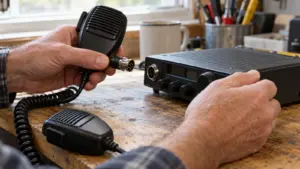
- Mobile: Choose this type when the radio will stay in a vehicle. It draws power from the vehicle’s electrical system and connects by coax to a separately mounted CB antenna. Before choosing a model, check that you have room to mount it, a practical power connection, clear microphone access, and a compatible antenna. Vehicle power and a separate antenna are the main installation requirements.
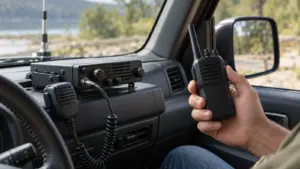
- Handheld: Choose this type when you need to carry the radio or walk around with it. Compare its battery and external-power options, antenna connector, and support for an external mobile antenna. External antennas work only when the radio has a compatible connector. Battery and antenna options matter most for portable use.
- Base: Choose this type for a fixed station. You’ll need a suitable power source, an outdoor antenna, and feed line, the cable connecting the radio to the antenna. Use an antenna intended for fixed outdoor service. Power and outdoor antenna requirements make this a stationary setup.
A mobile radio can also serve as a base if you connect it to a suitable power supply and antenna.
If you need both vehicle and walk-around use, consider a handheld that supports an external mobile antenna, provided its connector is compatible. For vehicle-only use, a mobile radio gives you a permanent installation; for a fixed station, plan for the power source and outdoor antenna before choosing the radio.
Which CB radio features should you compare?
Compare the controls and connections you’ll use: check each model’s channel access, noise controls, alerts, display, and external-device connections, since feature availability varies by radio.
For channel access, confirm that the radio covers the 40 channels in the U.S. CB service and check whether it offers instant access to Channel 9 or 19. If you need to communicate with another radio service, verify compatibility rather than relying on matching channel numbers: CB radios can’t directly communicate with GMRS radios because they use different frequency bands.
For reception and noise control, compare these options:
- Squelch: Reduces background noise when no signal is strong enough to open the speaker.
- RF gain: Adjusts receiver sensitivity.
- ANL: An automatic noise limiter that can reduce noise.
- Channel scan: Checks channels for activity.
- Weather reception or alerts: Useful if you want weather information from the radio; some Cobra models can receive NOAA Weather Radio alerts while turned off.
Check the controls you’ll need to reach while operating, including display illumination and instant Channel 9 or 19 access. Compare the microphone and mounting layout for a mobile installation, since radio size, mounting position, power connection, and microphone access affect how the unit fits your vehicle.
Check the connections against your setup before choosing. External connections vary by model: compare support for an external speaker or PA, and, for a handheld, check its antenna connector and whether it supports an external mobile antenna. If you plan to use weather alerts, confirm that the specific radio offers them; the feature isn’t universal.
Compare CB radio types and setup needs
Mobile, handheld, and base CB radios differ mainly in where you use them and how you power and mount them.
| Radio type | Typical use | Power or installation needs | Antenna considerations | Source |
|---|---|---|---|---|
| Mobile | Vehicle use | Connects to the vehicle’s electrical system; mount the radio and connect it by coax to a separately mounted antenna. | Check antenna compatibility and mounting. | cobra.com support.cobra.com support.midlandusa.com |
| Handheld | Portable or walk-around use | Compare battery and external-power options. | Check the antenna connector and whether the radio supports an external mobile antenna. | support.midlandusa.com support.midlandusa.com |
| Base | Fixed use | Requires a suitable power source and an outdoor antenna with feed line. | Use an antenna intended for fixed outdoor service. | cobra.com support.midlandusa.com |
A base setup requires both a suitable power source and outdoor antenna; a mobile radio can also serve as a base when connected to a suitable supply and antenna.
Frequently Asked Questions
Does a CB radio require a license in the United States?
No, you don’t need an individual FCC license to operate a CB radio in the United States. You still must follow CB service rules and use appropriately certified equipment.
How far can a CB radio reach?
According to the FCC, a CB radio typically reaches about 5–15 miles by direct-wave propagation, though terrain, obstructions, antenna placement, and changing conditions can shorten or extend that distance. Antenna efficiency and installation matter, so tune and check the antenna system after setup.
Can a CB radio communicate with a GMRS radio?
No, a CB radio can’t directly communicate with a GMRS radio because the services use different frequency bands: CB uses 26.965–27.405 MHz, while GMRS uses 462 and 467 MHz. Matching channel numbers doesn’t make the radios compatible.
How long does a handheld CB radio battery last?
Battery life depends on the handheld model and its power options, so compare the listed battery runtime before choosing. For example, the Midland 75-822 accepts six AA batteries or a mobile adapter, giving you an external-power option when you don’t want to rely on batteries.
Can CB radios work without cell service?
Their range depends on the antenna system, terrain, obstructions, and propagation conditions, so plan for direct local communication rather than a guaranteed distance.
Conclusion
Next, compare the exact connections and controls your setup needs, then match the antenna to the radio and installation. After connecting the system, check the antenna setup, including SWR, before relying on it.
Sources
- support.midlandusa.com (support.midlandusa.com)
- cisa.gov (cisa.gov)
- docs.fcc.gov (docs.fcc.gov)
- CB Radios | Cobra CB Radios & Accessories (cobra.com)
- support.midlandusa.com (support.midlandusa.com)
- cobra.com (cobra.com)
- support.cobra.com (support.cobra.com)
- uniden.com (uniden.com)
- ecfr.io (ecfr.io)
- ecfr.io (ecfr.io)
- ecfr.io (ecfr.io)