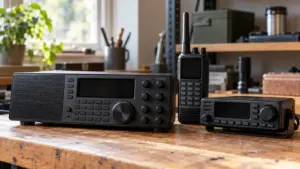
How to Choose a Police Scanner for Your Needs
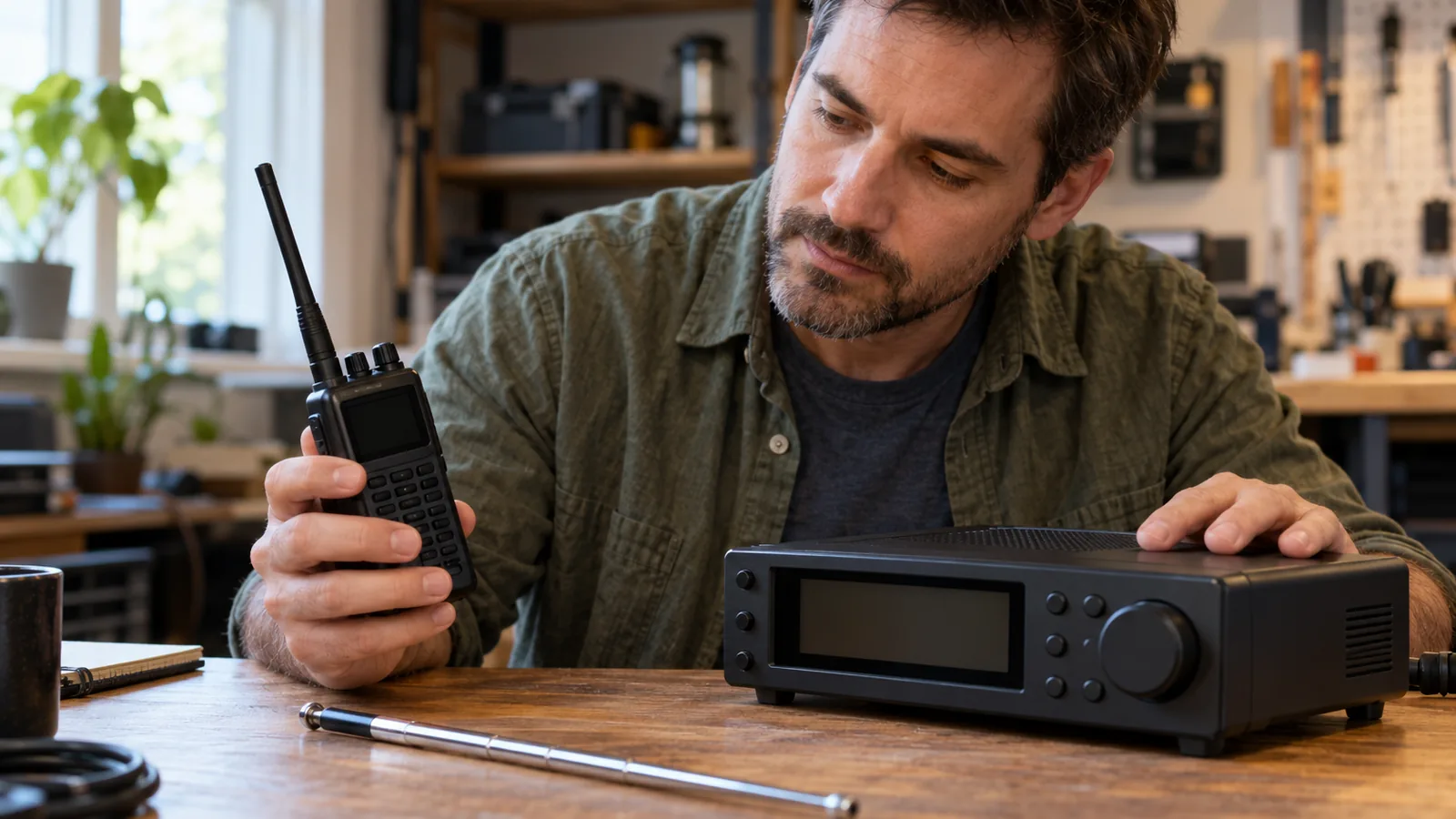
To decide how to choose a police scanner, first identify the agencies you want to hear and match the scanner to their exact system and voice format. Choose a handheld, base, or mobile model to suit where you’ll listen, but verify local compatibility before buying: a scanner can’t follow an unsupported system, and it can’t make encrypted voice intelligible.
Quick answer
How do I choose a police scanner?
Identify the agencies and local systems you want to hear, then match the scanner’s supported protocol and voice format to those systems. Choose a handheld, base, or mobile scanner to suit where you’ll listen, and check encryption before buying because consumer scanners can’t make encrypted public-safety voice intelligible.
- Find local system details: Look up your city or county and target agencies; record conventional frequencies and modes, or trunked-system protocols, nearby sites, and control-channel information.
- Verify encryption and current listings: Treat database entries as a starting point and confirm important details with recent local information or knowledgeable local scanner users.
- Match scanner support: Check the exact protocol and digital format, including the required P25 phase, DMR, or NXDN; trunked systems also require tracking capability.
- Choose a form and setup: Pick a handheld for portable, battery-powered listening, a base scanner for stationary use, or a mobile scanner for vehicle installation; compare the matching power, antenna, and programming features.
How to Choose a Police Scanner Step by Step
Choose the agencies and area you want to hear. Write down the city or county and the specific police, fire, or other agencies you want to monitor. Use those names and locations to search local system listings, then check recent local information for important details.
Record each agency’s channel or system details. For conventional channels, note the frequency and mode. For a trunked system, note its protocol, nearby site, and control-channel information; a scanner needs to track the system to follow conversations, since tuning to a voice frequency alone isn’t enough.
Check encryption before comparing scanners. Look for an encryption status in local listings, but confirm it with recent local information or knowledgeable local scanner users because listings may be out of date. In RadioReference’s mode codes,
Emeans digital and encrypted,Mmeans mixed analog and digital, andAmeans analog; an encryption listing can indicate regular use without meaning every transmission is encrypted.Match the scanner to the exact system and voice format. Check support for the local protocol and digital format, including the required P25 phase, DMR, or NXDN where applicable; a general “digital” or “trunking” label doesn’t confirm compatibility. Analog-only scanners receive compatible analog channels but can’t decode digital voice, and some models require a paid upgrade for a specific format. Consumer scanners can’t make encrypted public-safety voice intelligible.
Choose a form factor and power setup for where you’ll listen. Pick a handheld for portable, battery-powered use, a base or desktop unit for stationary listening, or a mobile unit for vehicle installation. Compare the matching power and setup needs: battery type, life, charging, and antenna for a handheld; wall power and an external antenna for a base unit; DC power, mounting, and antenna placement for a mobile unit.
Compare programming and location features against your routine. Check how you’ll enter or manage the local system details, and whether location-based scanning or GPS support fits where you listen; mobile models vary in these features. Antenna placement and local signal conditions also affect reception, regardless of form factor.
Confirm the exact model before buying. Compare its supported protocol, digital format, P25 phase, and trunking capability with your notes for the agencies you want. Resolve any unclear or consequential listing with current local information before you pay.
Match the Scanner to Local Radio Systems
Conventional analog channels need an analog-capable scanner; digital channels need support for their specific voice format, and trunked systems need the matching protocol and tracking capability. Check current local system details before choosing a model, because “digital” or “trunking” on a scanner’s label doesn’t confirm that it supports your area’s system.
Start with the city or county and agencies you want to hear. Look up their channels and systems in the local RadioReference database, noting frequencies and modes for conventional channels, or the protocol, nearby site, control-channel information, talkgroups, and encryption status for trunked systems.
For an analog channel, confirm the scanner supports analog reception. An analog-only scanner won’t decode digital voice. For a digital channel, identify the format, such as P25, DMR, or NXDN, then confirm the scanner supports that format. Some models need a paid, format-specific upgrade.
For a trunked system, confirm the scanner supports its specific protocol and can track the system. Receiving a voice frequency by itself won’t let the scanner follow a conversation. P25 can use conventional or trunked systems, and trunked P25 may require Phase I or Phase II support. A scanner that lacks the required phase may not follow the talkgroup you want.
Check encryption before comparing models. Consumer scanners can’t turn encrypted public-safety voice into intelligible audio, even if they otherwise support the system’s digital format and trunking. In RadioReference listings, A means analog, M means mixed analog and digital, and E means digital and encrypted; an encryption mark can indicate regular use even if encryption isn’t full-time.
Treat database listings as a starting point, not a guarantee. Confirm important system and encryption details with recent local information or knowledgeable scanner users before buying, since listings may be out of date.
Choose Features for Where You Listen
Choose features based on where you’ll listen, how you’ll power the scanner, and how you want to program it. When considering how to choose a police scanner, match its form and features to your listening routine, then confirm it supports your local system.
- For listening on foot: Choose a handheld, which runs on batteries and is portable. Compare battery type and life, charging method, antenna, and durability.
- For listening at home: A base or desktop scanner is made for stationary use and typically runs on wall power with an external antenna. Check the power connections and whether you can place the antenna where it gets a useful signal.
- For listening in a vehicle: Choose a mobile scanner designed for installation, then check its DC power, mounting, antenna connection and placement, display, and location-scanning features.
Power and antenna placement affect how well the setup fits your listening location, but neither replaces system compatibility.
For programming, check how you’ll load local system information before choosing a model. RadioReference Web Service direct database downloads require an active Premium Subscription, while some compatible scanners need paid keys to decode formats such as DMR or NXDN. Some digital formats may require an extra fee, so check the specific scanner’s supported formats and any required upgrade before buying.
Location-based scanning can help in a vehicle: the Uniden SDS200 supports it, with GPS available as an option.
Compare Scanner Types and Selection Needs
Match the scanner to the local system’s exact protocol and voice format, then choose a form that suits where you listen. A scanner only follows systems it supports.
| Listening situation or local system | Scanner capability to verify |
|---|---|
| Compatible analog channels | Analog reception |
| Digital conventional system | Its specific digital format, such as P25, DMR, or NXDN |
| Trunked system | The system’s trunking protocol and tracking |
| Trunked P25 Phase II talkgroup | P25 Phase II support |
| Handheld listening | Battery type and life, charging, antenna, and durability |
| Stationary listening | Wall power and external antenna |
| Vehicle listening | DC power, mounting, antenna connection and placement, display usability, and location-scanning features |
Frequently Asked Questions
Do you need internet to use a police scanner?
No, a scanner can receive compatible radio signals without an internet connection. You may need internet to look up local frequencies or systems, update programming, or use a database download service, but those tasks are separate from receiving live radio traffic.
Do police scanners require a subscription?
No, listening with a scanner doesn’t carry a universal subscription fee, though some programming tools and digital features can cost extra. RadioReference Web Service downloads require an active Premium Subscription, and compatible scanners may need paid keys for formats such as DMR or NXDN.
Is it legal to own or use a police scanner?
Generally, U.S. federal law allows intercepting law-enforcement and public-safety radio communications that are readily accessible to the public, but that doesn’t cover every transmission or use. State and local rules can restrict scanner possession or use, especially in vehicles, so check the laws where you plan to use one.
How far can a police scanner pick up signals?
Reception distance varies with antenna placement, local signal conditions, and whether the scanner supports the system you want to hear. Check the agencies and systems in your area first, then improve the antenna setup if reception is weak; distance alone can’t tell you whether a scanner is compatible.
Can I listen to police scanner channels on my phone?
Yes, you can use a phone to listen through an internet-based scanner stream when one is available, but that is different from receiving radio signals directly with a scanner. Streams may not cover your area or every agency.
Conclusion
If you’ll listen in one place, choose a base scanner after confirming it supports the local system. If you need to listen on foot or in a vehicle, choose a handheld or mobile unit that fits your power and setup needs, then verify the same system details.
Before buying, compare the exact scanner model’s supported formats and trunking features with the current system details for the agencies you want to hear.
Sources
- Common Scanner Questions (support.uniden.com)
- uniden.com (uniden.com)
- uniden.com (uniden.com)
- whistlergroup.com (whistlergroup.com)
- uniden.com (uniden.com)
- wiki.radioreference.com (wiki.radioreference.com)
- radioreference.com (radioreference.com)
- my.uniden.com (my.uniden.com)
- apcointl.org (apcointl.org)
- uniden.com (uniden.com)
- uniden.com (uniden.com)
- law.cornell.edu (law.cornell.edu)
- law.cornell.edu (law.cornell.edu)
- flsenate.gov (flsenate.gov)